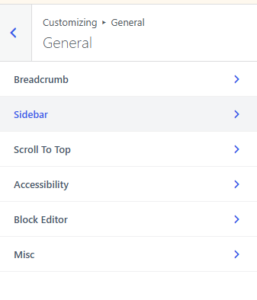
在Page的頂部加入Page Path:
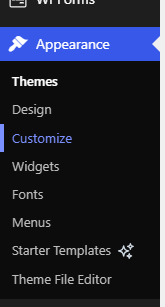
1. Appearance > Customize
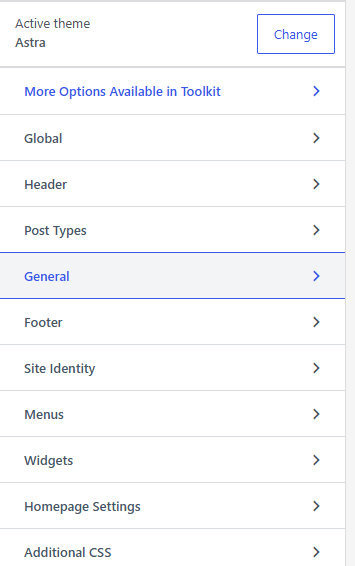
2. 選 “General”
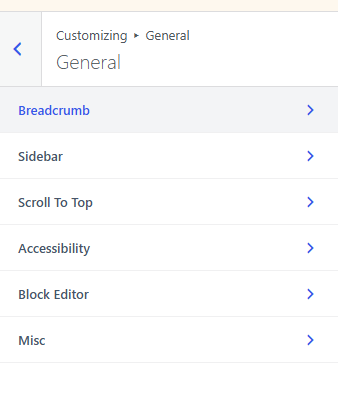
3. 選 “Breadcrumb”
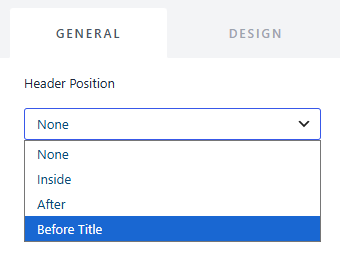
4. 選 “Before Title” (按喜好選 “Inside” 或 “After” 也可,出現的位置隨之而有所不同。)
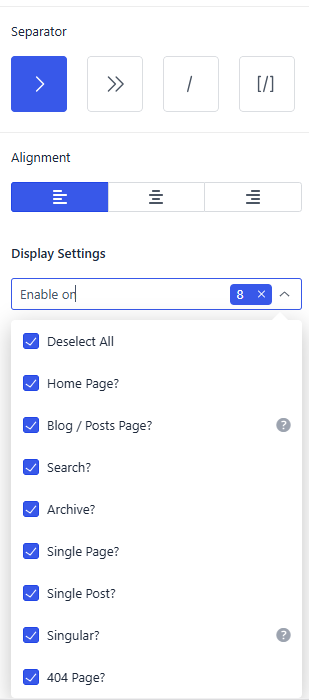
5. 按喜好選擇其他設定

在Page的頂部加入Page Path:
1. Appearance > Customize
2. 選 “General”
3. 選 “Breadcrumb”
4. 選 “Before Title” (按喜好選 “Inside” 或 “After” 也可,出現的位置隨之而有所不同。)
5. 按喜好選擇其他設定